Social Media
Zapier vs Make Social Media Automation for Startups in 2026
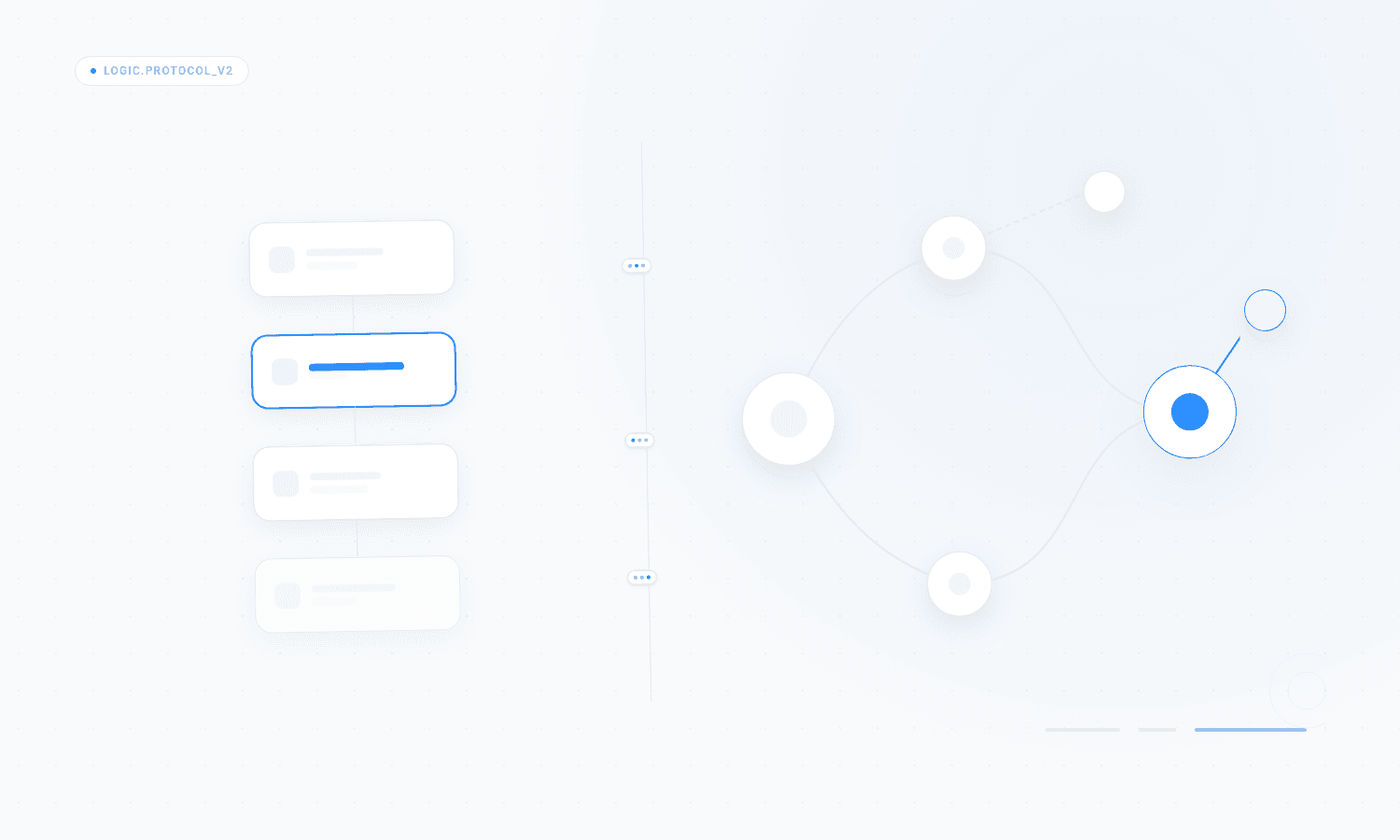
The choice between zapier vs make social media automation depends on your technical appetite and volume needs. Zapier is the superior option for simple, linear workflows that require minimal maintenance, while Make offers the granular control necessary for complex, multi-platform B2B distribution.
Which platform is better for social media automation?
The choice between Zapier and Make for social media depends on whether you value ease of use or technical flexibility. Zapier is built for speed and accessibility, allowing users to connect apps with a linear logic that requires no coding knowledge. Make is a more advanced visual automation tool that allows for complex branching, error handling, and direct API manipulations that Zapier often obscures behind its simplified interface.
Startups often begin with Zapier because it supports over 6,000 integrations and offers a predictable user experience for standard tasks (Zapier, 2024). However, as teams scale their output, the cost per task in Zapier often becomes a bottleneck. Make provides a more cost-effective model for high-volume operations because it charges based on operations rather than successful task completions. In our experience, startups producing daily content across five or more platforms find that the granular control in Make allows them to bypass common limitations found in pre-built connectors. While Zapier excels at simple triggers, Make is better suited for workflows that require sophisticated data mapping or the use of webhook social media automation to trigger posts from external databases or custom applications. Choosing the right tool requires evaluating your team's ability to manage technical debt versus their need for rapid deployment.
How does Zapier handle b2b social media workflows?
Zapier handles b2b social media workflows through a structured approach known as Zaps, which link a trigger to one or more actions. For a B2B founder, this might look like a new blog post in WordPress triggering a LinkedIn update and a post on X. The platform prioritizes stability and ease of setup, making it the primary choice for teams without dedicated technical resources.
When you automate social media posts zapier, you are using official integrations that the Zapier team maintains. This is a significant advantage because social media APIs change frequently. LinkedIn, for example, requires specific permissions and regularly updates its documentation (LinkedIn, 2024). Zapier abstracts this complexity away from the user. You do not need to worry about OAuth refresh tokens or formatting JSON payloads for different platforms. The platform handles the handshake between your content source and the social network. This reliability is why 64% of marketers prefer Zapier for its ease of use when connecting disparate marketing tools (G2, 2024). However, this abstraction comes with a trade-off in flexibility. If a specific platform feature is not supported by the Zapier integration, you cannot easily add it without using the Webhooks by Zapier app, which introduces the same complexity you might find in more advanced tools like Make.
Why do startups choose Make for webhook social media automation?
Startups choose Make when they need to build custom logic that goes beyond simple linear triggers. Make, formerly known as Integromat, allows users to visualize their entire workflow on a canvas, making it easier to see how data flows through different filters and routers. This is particularly useful when comparing make com vs zapier for multi-stage content distribution.
One of the strongest arguments for using Make is its native support for complex JSON structures and webhook social media automation. In a typical startup environment, content might live in an Airtable base with multiple status fields. Make can watch that base and execute different logic paths based on whether a post is marked as a thought leadership piece or a product update. It can also handle binary data, such as images and videos, more effectively than Zapier. Make allows you to manipulate files within the workflow, which is a requirement for advanced image rendering or video processing. This capability is essential for teams that want to produce high-quality visuals at scale without manual intervention. Because Make offers a free tier with 1,000 operations and 100MB of data transfer, it is also a popular choice for early-stage companies testing their first automation pipelines before committing to a larger budget (Make, 2024).
What are the primary differences in api posting limits?
The primary differences in api posting limits between these platforms are not in the social networks themselves, but in how the automation tools consume those limits. Every social media platform enforces rate limits to prevent spam. For instance, the Instagram Graph API allows a maximum of 25 posts in a rolling 24-hour period for most business accounts (Meta, 2024).
Zapier and Make both interact with these APIs, but they do so with different levels of efficiency. Zapier's pre-built apps are designed to be safe, meaning they often include built-in delays or batching that protects your account from being flagged. However, if you are running b2b social media workflows that involve hundreds of automated actions across multiple accounts, you might hit Zapier's internal task limits before you hit the API limits. Make allows you to see the exact API calls being made, which provides more transparency into how you are consuming your quota. On LinkedIn, standard API applications are limited to 100 posts per day for the entire application (LinkedIn, 2024). If you use a popular tool like Zapier, you are sharing that application quota with other users unless you set up your own developer app. Make makes it significantly easier to use your own Client ID and Client Secret, giving you a dedicated lane that is less likely to be throttled by the platform during peak hours.
How do you handle image rendering in automated posts?
Handling image rendering in automated posts requires a transition from static templates to programmatic rendering. Standard automation tools can pass a URL to a social network, but they cannot create the image themselves. To solve this, startups typically integrate an image generation API like Cloudinary or BannerBear into their Zapier or Make workflows.
The process involves sending a JSON payload containing text and background image URLs to the rendering service. The service returns a unique URL for the generated image, which is then passed to the social media platform. In our experience, this is where many rule-based automations fail. If the text is too long, it might overflow the container on the image, resulting in an unprofessional appearance. Advanced workflows in Make allow for conditional logic that checks the character count before sending the data to the renderer. This ensures the layout remains consistent across every post. Without this level of detail, automated content often looks generic. Modern B2B audiences are sensitive to AI-generated visuals that look templated. By using custom CSS and HTML templates in a rendering engine, we ensure that every graphic aligns with the brand identity. This level of sophistication is difficult to achieve in Zapier without heavy reliance on third-party apps that increase the total cost of the stack.
Why are agentic workflows replacing rule-based automation?
Agentic workflows are replacing rule-based automation because they can handle nuance and context that simple "if this then that" logic cannot. A traditional rule-based system breaks if a field is missing or if the API returns an unexpected error. An agentic system uses large language models to interpret the goal and find a path to completion even when conditions change.
In the context of zapier vs make social media, both platforms are starting to incorporate AI features to move toward this model. However, true agentic workflows involve a feedback loop where the system reviews its own output before publishing. For example, an agent can check if a LinkedIn post includes the correct tags or if the tone matches previous high-performing content. This goes beyond simple automation and enters the realm of autonomous content management. Research indicates that AI-driven content tools can improve marketing productivity by 15% to 45% (McKinsey, 2023). For a small marketing team, this means the difference between spending ten hours a week on social media and spending ten minutes. Rule-based systems are brittle and require constant maintenance. Agentic systems are resilient. They understand that if the LinkedIn API is down, they should retry in an hour or notify the user instead of simply failing the task. This resilience is what allows founders to step away from the daily operations of social media without fear of their brand looking inconsistent or unprofessional.
Which platform offers better ROI for small marketing teams?
Determining which platform offers a better ROI depends on the volume of content and the complexity of the distribution strategy. For a small marketing team with 1 to 3 people, time is the most expensive resource. Zapier often provides a better ROI for teams that need to set up an automation in five minutes and never touch it again, even if the monthly subscription is higher.
Feature | Zapier | Make |
|---|---|---|
Learning Curve | Low (Linear UI) | High (Visual Canvas) |
Pricing Model | Per Task | Per Operation |
Custom API Calls | Difficult (Requires Code) | Native (HTTP Module) |
Error Handling | Basic | Advanced (Break/Resume) |
App Integrations | 6,000+ | 1,600+ |
Make offers a higher ROI for teams that are comfortable with technical configurations and want to save on monthly costs. In Make, a single workflow can have dozens of operations for the price of one. In Zapier, every step in a multi-step Zap consumes a task, which can quickly lead to bills exceeding $300 per month for a standard startup. However, the cost of a marketing manager's time spent troubleshooting a complex Make scenario can easily outweigh those savings. Small teams at companies doing $500K to $5M in revenue need a solution that balances cost with operational overhead. If the goal is to scale organic reach without adding headcount, the complexity of managing these tools becomes a hidden cost that many founders overlook during the initial setup phase.
Should you build your own infrastructure or use a service?
The decision to build custom infrastructure using zapier vs make social media or to use a fully managed service depends on your core competencies. Building your own pipeline gives you total control, but it also means you are responsible for maintaining API connections, handling image rendering errors, and updating the logic whenever a platform changes its algorithm.
Most B2B founders find that they spend more time fixing their automations than actually generating leads from them. This is where a managed solution like Situational Dynamics provides value. We handle the entire technical stack, from programmatic rendering to agentic workflows, so you can focus on high-level strategy. Instead of spending hours in the Make canvas or debugging Zapier webhooks, you approve content from your inbox. Our infrastructure is built to handle the complexities of multi-platform distribution and brand consistency at a scale that is difficult to maintain with off-the-shelf automation tools. As you move from $500K to $5M in revenue, your time becomes too valuable to spend on technical maintenance. Outsourcing the infrastructure to a specialized system ensures that your social media presence remains professional and consistent without any manual overhead. This allows your organic reach to compound while you focus on the core business operations that drive growth.
References
The 2024 State of Automation Report. Zapier, 2024.
LinkedIn Marketing Solutions API Documentation. LinkedIn, 2024.
Instagram Graph API Rate Limiting Guide. Meta, 2024.
Make Pricing and Platform Comparison. Make, 2024.
Marketing Automation Software Reviews and Ratings. G2, 2024.
The economic potential of generative AI: The next productivity frontier. McKinsey, 2023.